 MerchantKit
Built for your store
The app can match your catalog rules, team process, theme behavior, fulfillment flow, or customer communication needs instead of forcing you into a one-size-fits-all tool.
Custom app for your store
If your team keeps working around Shopify with spreadsheets, manual checks, theme hacks, or repeated support messages, a focused private app can often remove the friction. We start with a useful first version for free. If you like it and want to keep improving it, we continue for a small monthly or project fee.
The app can match your catalog rules, team process, theme behavior, fulfillment flow, or customer communication needs instead of forcing you into a one-size-fits-all tool.
We pick a narrow problem, build the first version, and let you test it. If it is not useful, you do not need to keep going.
The first release is intentionally lean: one workflow, one measurable improvement, and enough polish for real daily use.
We can work with Admin APIs, theme app blocks, app proxies, webhooks, metafields, checkout validation, billing, and embedded admin screens.
What we can build
Many stores do not need a giant enterprise system. They need one reliable tool that fits their exact business rule: warn customers before purchase, sync product data, review risky orders, collect extra instructions, route fulfillment, or keep staff from missing a step.
A private Shopify app is useful when the workflow is specific enough that public apps feel bloated, expensive, or almost right but never quite right. Instead of stacking five subscriptions and still doing manual cleanup, we can build one app that handles the exact job.
Why not just install another app
A public app has to serve thousands of merchants, so it usually comes with broad settings, broad assumptions, and broad pricing. That is useful for common needs, but awkward when your team needs a precise exception, a special approval step, or a rule that depends on your product structure.
A small custom app can stay calm and direct. It can use your names, your product logic, your operating sequence, and your preferred admin view. Your team gets fewer decisions to make and less training to remember.
Low-risk start
We start by choosing one store problem that can be proven quickly. That could be a warning flow, product data tool, order review screen, staff checklist, custom metafield editor, or a simple automation.
After the first version is working, you decide whether it deserves more time. If it saves work, prevents mistakes, or makes the store easier to run, we can continue for a small fee and add the next useful layer.
Process
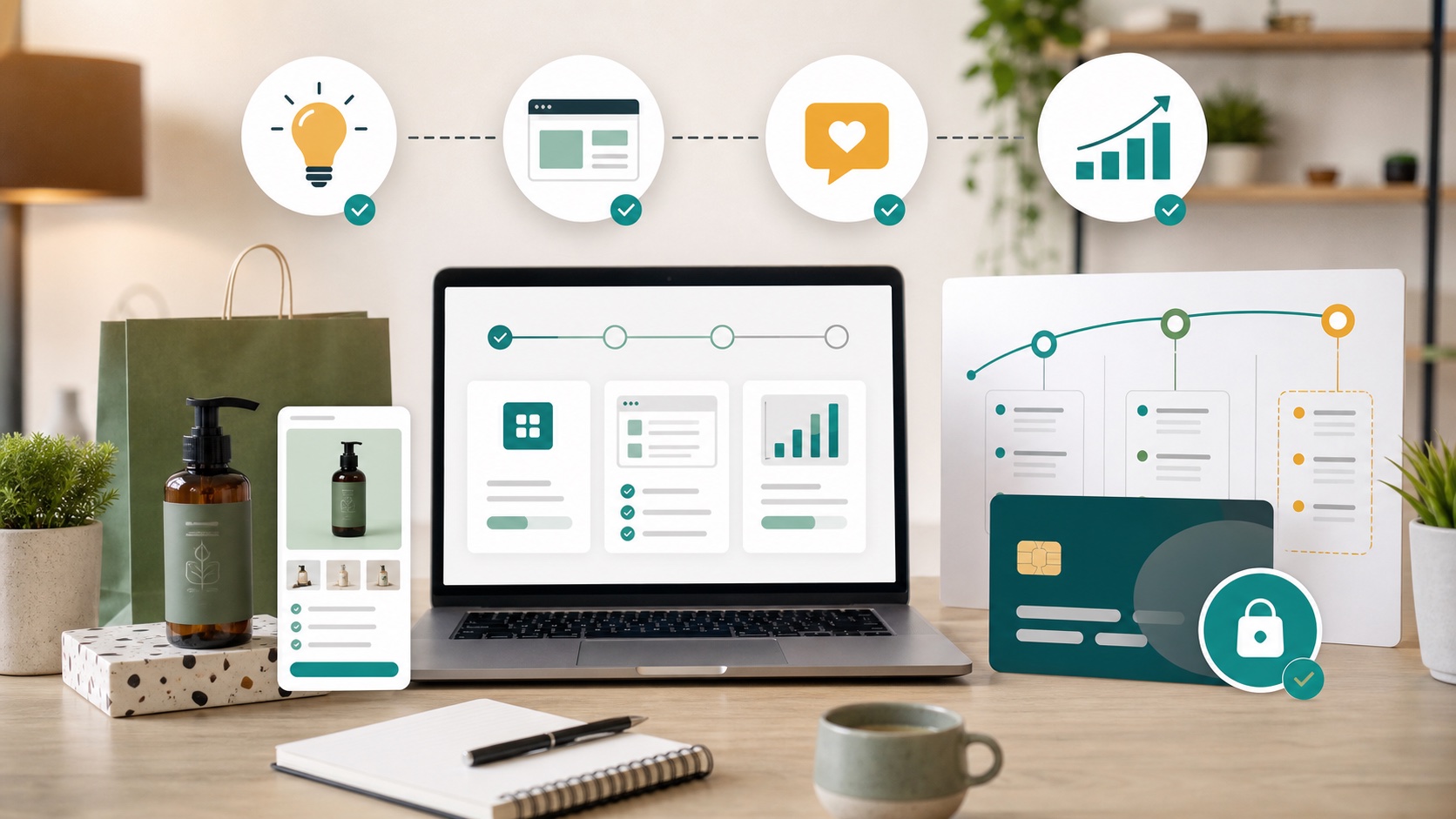
The work starts with the smallest useful version. That keeps the project quick, understandable, and easy to judge.
Describe the manual task, missing rule, confusing customer step, or app limitation you keep running into.
We choose a narrow workflow that can be built and tested without turning the project into a long specification exercise.
The first working version is built for your Shopify setup and tested against the real admin or storefront flow.
If the app helps, we agree on a small fee for support, improvements, hosting, and the next features.
Use cases
The best projects are specific, operational, and easy to recognize once they are fixed.
Show special notices, require acknowledgments, preserve consent evidence, or block checkout when a required rule is not accepted.
Flag orders that need staff attention because of address rules, product combinations, customer notes, fraud signals, or fulfillment exceptions.
Give staff a cleaner way to maintain product data, variant notes, badges, sizing data, restrictions, or content that drives the storefront.
Add storefront components that are managed from the Shopify admin and can be placed cleanly in the theme editor.
Keep product tags, metafields, collection logic, or external data in sync without relying on repeated manual edits.
Create one screen for the exact store operation your team checks every day, with fewer clicks and less noise.
Illustrative feedback
These are fictional sample comments, written to show the kind of outcome a focused store app is designed for. Real client quotes will be added here only after we have permission to publish them.
Fictional example
“The first version did one thing well: it caught the product exceptions our team kept checking by hand. That was enough to know the idea was worth continuing.”
Maya
Operations lead, fictional skincare store
Fictional example
“We did not need a huge platform. We needed a small admin screen that matched our catalog rules and stopped staff from guessing.”
Leo
Founder, fictional outdoor gear store
Fictional example
“The useful part was seeing a working version before paying for a long project. After testing it with real orders, the next features were obvious.”
Nora
Store manager, fictional home goods shop
Demo stores
These store names are fictional demo examples, not client claims. They make it easier to picture the app shape before we replace them with real published case studies.
Fictional demo store
Outdoor equipment
Product restriction and handling-warning app
Shows product-specific notices, requires acknowledgment, and flags orders that need staff review.
Fictional demo store
Specialty food
Cold-shipping and delivery-rule helper
Checks cart contents, shows delivery notes, and keeps staff aware of temperature-sensitive items.
Fictional demo store
Made-to-order apparel
Custom production checklist
Turns order notes, variants, and product tags into a cleaner internal production queue.
Fictional demo store
Baby products
Safety notice and consent workflow
Adds storefront notices for selected products and preserves the warning version accepted by the shopper.
Questions
Yes, for a small and clearly defined first version. The point is to prove whether the app is useful before asking you to pay for ongoing work.
If you like it, we can continue for a small fee that covers improvements, support, hosting, maintenance, and Shopify platform updates.
Sometimes, but not always. A custom app is best when your workflow is specific, repeated, and valuable enough that a generic public app is not a clean fit.
Usually yes. Storefront features can often be added through theme app blocks or app proxy endpoints, depending on the theme and the exact behavior needed.
We will turn it into a small first version, let you test it, and only continue if it earns its place in your store.