 MerchantKit
Embedded admin apps
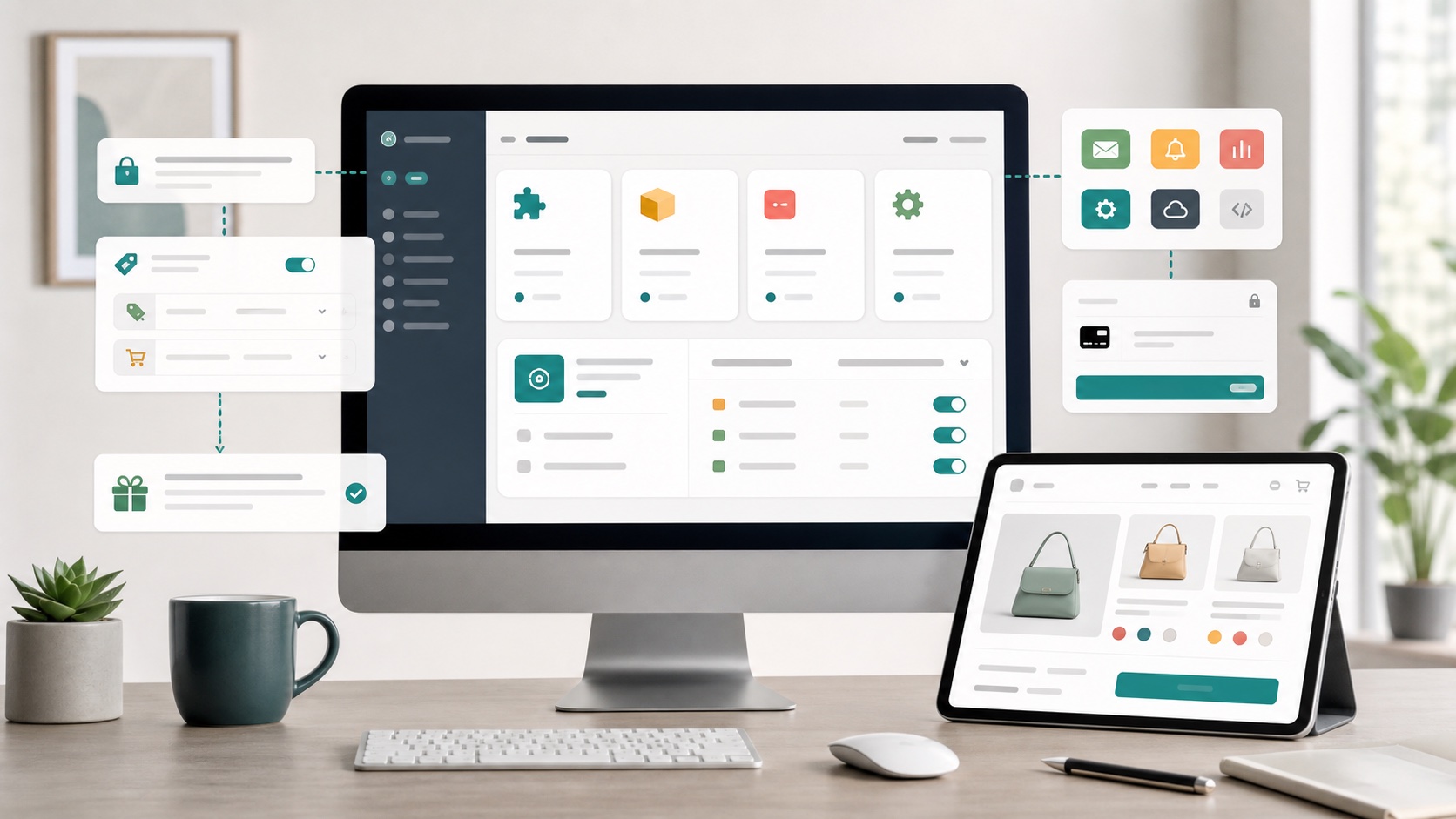
Create Shopify admin screens for staff actions, settings, dashboards, product tools, order review, and workflow control.
Shopify app development
We create practical Shopify apps for merchants who need custom admin tools, storefront behavior, checkout checks, product data workflows, or automations. Start with a free first version, test it in context, and continue for a small fee only when the result is worth keeping.
Create Shopify admin screens for staff actions, settings, dashboards, product tools, order review, and workflow control.
Add controlled storefront behavior through theme app blocks and scripts that are easier to manage than custom snippets.
Use Shopify APIs, webhooks, metafields, tags, and validation logic to make store rules consistent and visible.
A narrow first version helps you test the app quickly before deciding whether to expand it.
Admin tools
A good internal app removes clicks, uncertainty, and copy-paste work. It can gather the relevant products, orders, settings, warnings, notes, or status checks into one screen that matches the way your team talks about the business.
Instead of forcing staff through several Shopify screens and external spreadsheets, a custom embedded admin page can show the decision, the context, and the action together.

Storefront behavior
Stores often start with a small theme edit, then another, then another. Over time the storefront becomes hard to update because business logic is scattered across snippets, custom JavaScript, and manual instructions.
A custom app can keep the management experience in the Shopify admin while exposing clean storefront blocks or endpoints for the theme. That makes the feature easier to place, adjust, test, and remove later.
Backend logic
Many store workflows happen after something changes: an order is created, a product is updated, a tag is added, a metafield changes, a customer sends a note, or a fulfillment status moves. Those moments are good places for custom app logic.
The app can listen for events, apply your rules, update Shopify data, create evidence, or prepare a staff action. The result is a store that behaves more consistently without adding another manual checklist.

Process
We avoid turning a small store problem into an oversized software project. The first version should be real enough to test and small enough to change.
We identify who uses the app, what decision they make, what data they need, and what Shopify action should happen.
We trim the idea down to the first version that can remove real work or prove the value of the approach.
The app is implemented using Shopify-native patterns for admin, storefront, webhooks, validation, and data where they fit.
After your team tests it, we refine the rough parts and add only the next features that matter.
Use cases
These are the kinds of requests that usually make sense as a small custom app.
Require shoppers to accept product-specific terms, preserve accepted copy, and keep checkout behavior consistent.
Manage product-specific content, restrictions, metadata, and storefront data without exposing staff to raw metafields.
Mark orders for special handling, local delivery checks, packaging notes, cold shipping, fragile products, or internal review.
Build store-specific approval flows, customer tags, minimum rules, private notes, or account-specific behavior.
Keep tags, collections, badges, and metafields aligned as products change or new variants are added.
Capture the context behind customer choices, staff actions, warning acceptance, or policy acknowledgments.
Illustrative feedback
These are fictional sample comments, written to show the kind of outcome a focused store app is designed for. Real client quotes will be added here only after we have permission to publish them.
Fictional example
“The first version did one thing well: it caught the product exceptions our team kept checking by hand. That was enough to know the idea was worth continuing.”
Maya
Operations lead, fictional skincare store
Fictional example
“We did not need a huge platform. We needed a small admin screen that matched our catalog rules and stopped staff from guessing.”
Leo
Founder, fictional outdoor gear store
Fictional example
“The useful part was seeing a working version before paying for a long project. After testing it with real orders, the next features were obvious.”
Nora
Store manager, fictional home goods shop
Demo stores
These store names are fictional demo examples, not client claims. They make it easier to picture the app shape before we replace them with real published case studies.
Fictional demo store
Outdoor equipment
Product restriction and handling-warning app
Shows product-specific notices, requires acknowledgment, and flags orders that need staff review.
Fictional demo store
Specialty food
Cold-shipping and delivery-rule helper
Checks cart contents, shows delivery notes, and keeps staff aware of temperature-sensitive items.
Fictional demo store
Made-to-order apparel
Custom production checklist
Turns order notes, variants, and product tags into a cleaner internal production queue.
Fictional demo store
Baby products
Safety notice and consent workflow
Adds storefront notices for selected products and preserves the warning version accepted by the shopper.
Questions
Both are possible, but this offer is best for focused private apps that solve one merchant's specific store workflow.
Yes. We can inspect the current setup and either improve the existing app, add a companion workflow, or replace the fragile parts with a cleaner custom tool.
For public or merchant-facing paid apps, Shopify billing can be used where appropriate. For a private custom service, we can also keep billing simple outside the app if that fits better.
The first version should be tested carefully and scoped conservatively. Storefront additions are designed to be removable and managed through Shopify-friendly extension points where possible.
Send the workflow, a few screenshots, or a rough explanation. We will help turn it into the smallest useful app version first.